
made with
Is an Apple Pencil Worth it?
October 6, 2021
By Siobhan Stewart
Why Apple Pencil
In 2010, a friend of mine received an iPad as a gift. I thought it was sort of goofy and didn’t understand why anyone would need an iPad when we already had computers and iPhones. Like, why this weird middle ground equipment? I just didn’t get it.
Now I do.
iPads are amazing for many reasons; more mobile than computers, but with bigger screens than iphones. They are great learning opportunities for kids, but they are also great tools for adults – especially creative adults who want to draw, write, and color on their iPads.
Should you get an Apple Pencil? (Is an Apple Pencil worth it?)
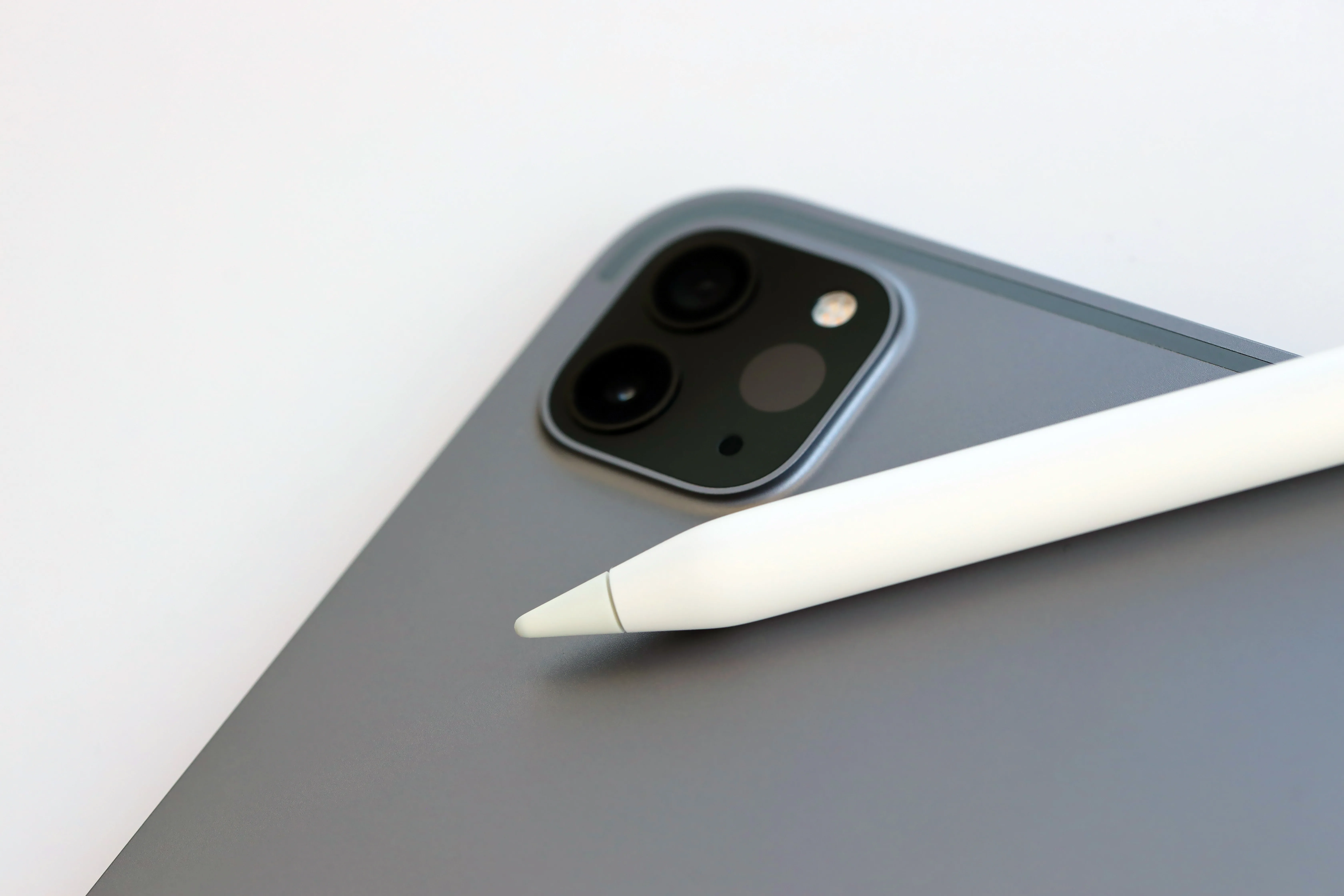
So you’ve got a new iPad (congrats!) – now what? Now Apple Pencil. If you aren’t sure if an Apple Pencil is worth the cost, we’ll save you the questioning: it is. Really. Like, it’s one of the main reasons iPads are awesome – Apple Pencils allow you to take notes, jot down ideas, and – most impressively – create digital art that will wow your family and friends (or future employers).
Creating Digital Art with an Apple Pencil
Apple Pencils (and other digital styluses) are amazing tools for creating digital art, including digital coloring, digital planning and digital journaling. They are lightweight and feel like writing with a pen or pencil, but without the annoyance of erase marks, crumpled paper, and re-doing sketches. iPencil art allows for instant undos, click and drags, rotations, and other digital art perks.
How to use your Apple Pencil (How to Draw on your iPad)
Today we’re going to explain how to use your ApplePencil.
- Charge it. If your Apple Pencil doesn’t seem to be working, it might not be charged. Basically you need to figure out which type of Apple Pencil you have, and then attach it to its charge source. For an Apple Pencil 1st generation, that’s a charger that came with the Apple Pencil. For an Apple Pencil 2nd generation, it’s as simple as attaching it to the side of your iPad.
- Check charge status. Swipe left or right on the home screen to pull up the “Today View” and see the charge status.
- Download an app like Zinnia to see the Apple Pencil’s full range of capabilities. In the Zinnia app you can:
- Use your Apple Pencil to draw/sketch/doodle freehand
- Use your Apple Pencil to color
- Use your Apple Pencil to convert handwriting to digital text and vice versa
- Use your Apple Pencil to group artwork
- Use your Apple Pencil to navigate screens&settings
Watch our video to see everything you can do with your Apple Pencil!
Psst…make something awesome on Zinnia? Tag us with #ZinniaApp on social media – we love to see your stuff!